


Episode 98
with Janet Ickes, bookkeeping consultant, QuickBooks ProAdvisor and founder of Excel With Me Training and Consulting · July 25, 2024 · 24 min
Janet Ickes is a QuickBooks ProAdvisor who spent more than 20 years in corporate accounting and payroll before helping small business owners set up simple money systems.
Her first step with a client is to take the emotion out of the numbers, look at the big picture, and work backward from the result the owner wants.
Janet works in QuickBooks Online because it can start small and grow, and she says to choose any bookkeeping software by the features you need, such as inventory, invoicing or receipt capture.
One client who spent four days hunting receipts at tax time moved from pen and paper to Excel, then to QuickBooks, and now sends her reports to her tax accountant by January 31.
Janet time blocks her week in a color-coded Google Calendar, using two-hour windows and letting clients book only inside her client blocks.
Published · Updated
What is this episode about?
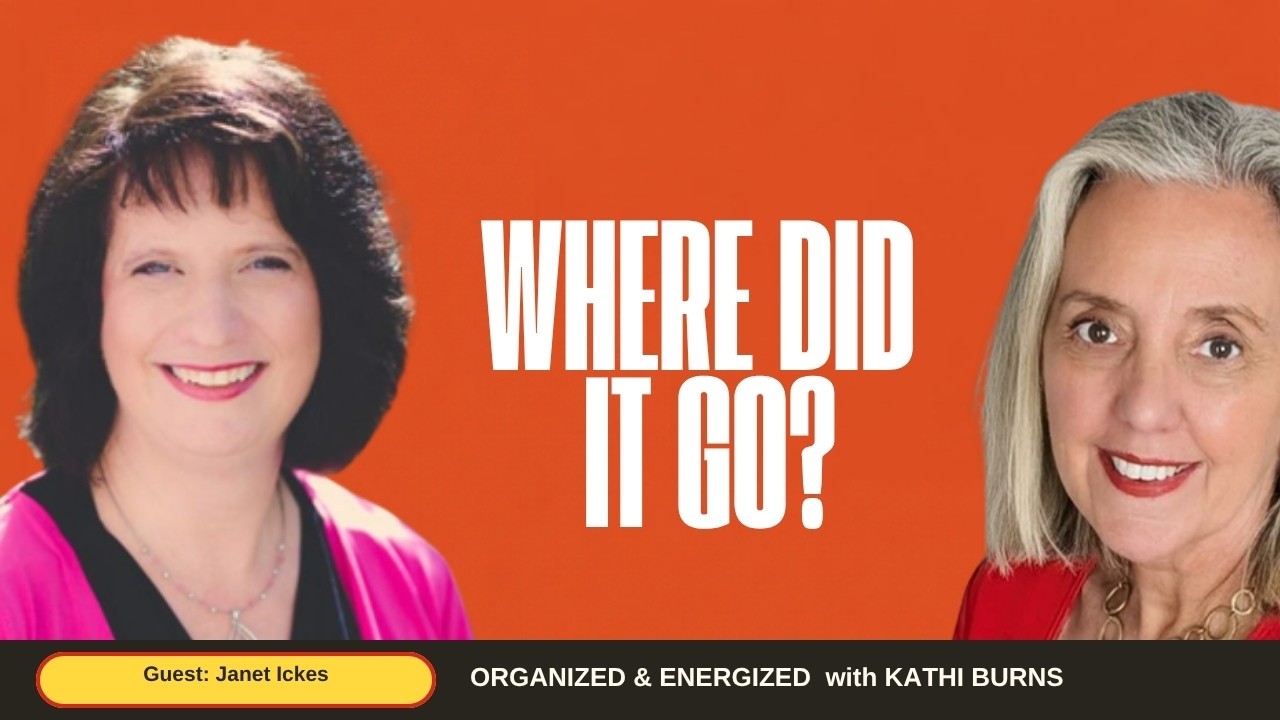
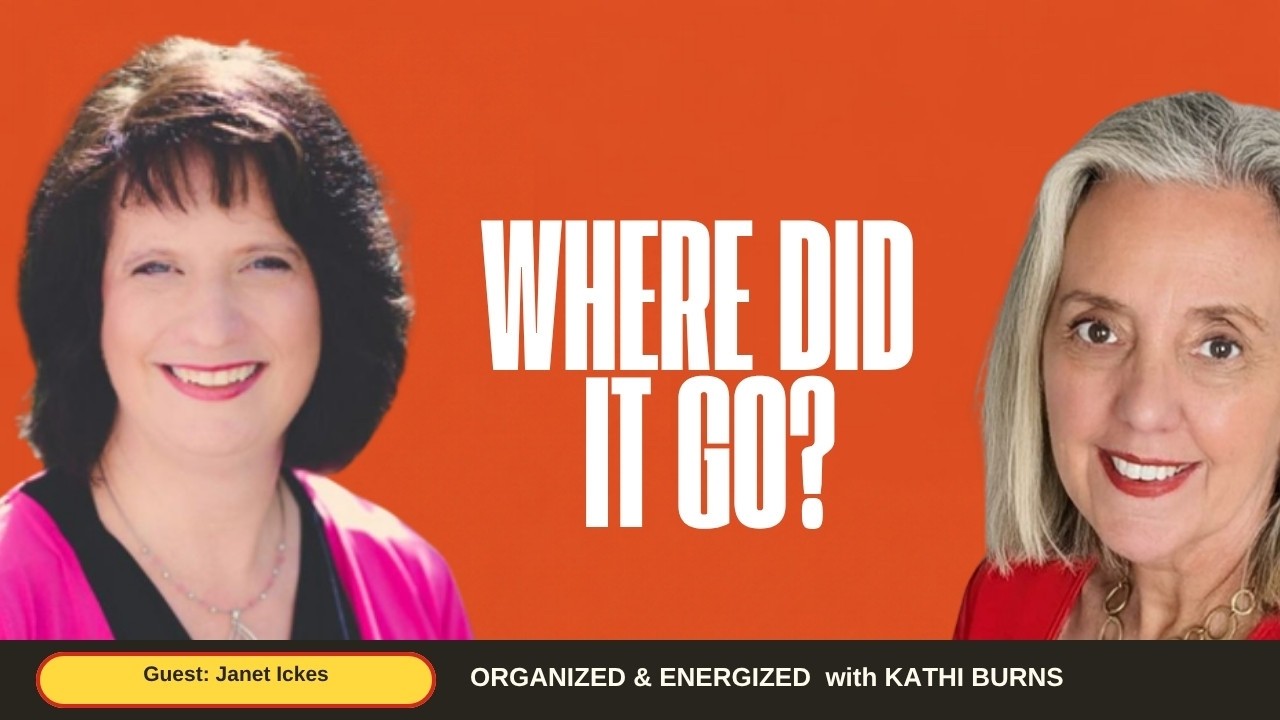
Kathi Burns, CPO®, Business FLOW Strategist, talks with Janet Ickes, a QuickBooks ProAdvisor and the author of Money Doesn't Spend Itself, So Where Did It Go?, about managing business money without adding hours to your day. Janet spent more than 20 years in corporate accounting and payroll, then left to work with entrepreneurs who found their numbers confusing. She explains how she takes the emotion out of money decisions, why she uses QuickBooks Online, and how she thinks about choosing small business bookkeeping software by the features you need rather than the brand name. You'll also hear how she made the switch from employee to entrepreneur, how she time blocks with color codes and two-hour windows, and how one client went from four days of hunting receipts to having her reports with her tax accountant by the end of January. Everything Janet shares is her own approach, not financial advice.
Money doesn't spend itself, so you should know where it went.Janet Ickes
Jump to links and resources · Part of How do I grow my business without burning out? · All episodes · Every guest
What are the key takeaways?
- Janet starts by asking clients to step back, take the emotion out of their numbers and say what they want to accomplish, then builds a simple system to get there.
- She uses QuickBooks Online because you can start at a small level and add to it, and she says most people use only a fraction of what their software can do.
- Her advice on software is to list the features you need first, such as inventory, invoicing or snapping receipts with your phone, and then talk to someone who has used the program.
- Leaving corporate meant trading the employee brain for an entrepreneur brain that wears every hat, from CEO to marketer.
- Janet blocks time for visionary work, client work and marketing in a color-coded Google Calendar, works in two-hour windows, and treats each block like a doctor's appointment.
- She moved a pen-and-paper client to Excel first and then to QuickBooks, with quarterly check-ins so the books never fall a year behind.
- Janet's view is that decisions made reactively are rarely the best ones, so she wants owners to have current numbers in front of them before they decide.

This episode is brought to you by the Business Logjam Session
A private 75-minute online session with Kathi Burns to find the one thing holding your business back and leave with your next steps. It is the same F.L.O.W. process Kathi uses with her own clients: Focus on your goals, Locate your logjams, Outline your solutions, Walk away knowing your next steps.
Find What's Holding Me BackInterested in sponsoring the show? Get in touch.How do you make money management less stressful?
Janet Ickes says to step back and take the emotion out of your numbers before doing anything else. A confused mind does nothing, so she looks at the big picture with clients, asks what they want to accomplish, and reverse engineers a simple system to get there. She says it is never easy, but it can be simple.
What is the best small business bookkeeping software?
Janet says there is no single best small business bookkeeping software; it depends on the features you need. She works in QuickBooks Online because it starts small and grows with the business, and she mentions FreshBooks and Zoho Books as other options. Decide whether you need inventory, invoicing or receipt capture, then ask someone who has used it.
How do you choose bookkeeping software features?
Start with what you need to accomplish and pick the program and level that covers it. Janet asks whether a business needs inventory, strong invoicing or receipt snapping, which lets her clients photograph a receipt so it goes straight into QuickBooks instead of getting lost in a pocket. She notes QuickBooks Online has several levels and says to start with what you need, learn it, and add on later.
How do you go from an employee mindset to an entrepreneur mindset?
Janet had to switch off the employee brain and accept that she now wears every hat: CEO, CFO, COO and the rest. After more than 20 years of corporate day-to-day work, and with Mary Kay as only a small part of her life, she found it challenging at first. Her task was to bring the systems she had used for years into one that worked for her as a business owner.
How do entrepreneurs use time blocking?
Janet blocks separate time for visionary work, client work and marketing, each in its own color in her Google Calendar. Clients can book only inside her client blocks. She works in two-hour windows, keeps client days to Tuesdays and Thursdays, adds 15-minute buffers, and treats every block like a doctor's appointment so work doesn't bleed over.
How do you organize receipts for taxes?
Janet's answer was to stop saving receipts for tax time and capture them as they happen. A client who spent four days hunting receipts first moved from pen and paper to Excel, so the math was done for her, and then to QuickBooks, where she snaps receipts with her phone. With quarterly check-ins, she now runs her reports and sends them to her tax accountant by January 31.
Why be proactive instead of reactive with money?
In Janet's view, a decision made reactively is rarely the one that's best for you. Her book, Money Doesn't Spend Itself, So Where Did It Go?, walks through asking where the money went, what to do differently, and what steps to put in place today. When everything is in front of you, she says, you can step back and make a better decision for the business.
How do you find money you didn't know you had?
Janet offers a free guide on discovering money you didn't know you had, with small tips for spotting it. She says there's always money there because money doesn't spend itself; it hides. The guide is part of her Excel Your Profits brand, which grows out of Excel With Me Training and Consulting and focuses on profits once the books are under control.
Where does each part of the conversation start?
- 0:00 Meet Janet Ickes
- 0:40 Twenty years of corporate accounting
- 1:37 From Mary Kay to helping entrepreneurs
- 2:52 Take the emotion out of your numbers
- 4:07 Why she uses QuickBooks Online
- 5:33 Pick software for the features you need
- 7:11 From employee mindset to entrepreneur
- 8:42 Time blocking with color codes
- 10:51 Two-hour blocks and 15-minute buffers
- 11:47 What she'd tell her younger self
- 13:19 From lost receipts to QuickBooks
- 15:39 Money Doesn't Spend Itself
- 19:02 Masters hire masters
- 19:32 Excel Your Profits
- 22:05 Wrap-up
What resources were mentioned?
- Money Doesn't Spend Itself, So Where Did It Go? by Janet Ickes
- Janet's free guide: Find Hidden Money You Didn't Know You Had
- QuickBooks Online
- FreshBooks
- Zoho Books
- Microsoft Excel
- Google Calendar
These episodes continue the same thread as this one: Lia Dunlap, Carly Church, Ginny Priem, Stephanie Wall Morrow also answer the question "How do I grow my business without burning out?", and the rest are the most recent conversations on the show.

 MotherhoodEpisode 147
How To Build a Village That Supports Your Business and Your Life with Carly Church

See every episode on the podcast archive or filter by topic on the How do I grow my business without burning out? hub.
How can I support the show?
- Subscribe on Apple Podcasts, Spotify or YouTube, or add the RSS feed to any app.
- Rate and review. A rating on Apple Podcasts helps new listeners find the show, and Kathi reads every review.
- Share the episode with one business owner who needs it; the share buttons are at the top of the page.
- Grab a free eBook: 6 Steps to Organize & Energize Your Home, 6 Steps to Organize Your Home Office or 6 Steps to Organize & Energize Your Life.
- Work with Kathi. The Business Logjam Session is a private 75-minute session to find what is holding your business back.
- Be a guest. Apply here if you have a story about clearing the obstacles in your business.
What did they say, word for word?
The transcript below is edited for readability: filler words and false starts are removed and speaker names are added. Nothing was added or summarized.
Read the full transcript +
Kathi: Hi everyone, I'm back, and as promised I'm with Janet Ickes, and we're going to talk about money: profits, how to make it, how to save it, how to not lose it, and wondering where it goes. We're going to talk all about that because Janet is an expert in finance management. Let's get started. Thanks, Janet, for coming on the show.
Janet: Thank you so much for allowing me to join you today. It's just so much fun to get together and share and have some fun with it, because money is not always fun.
Kathi: Yeah, absolutely.
Janet: And money is fun. A lot of people think that money is not fun, but whenever you know what to do with it, it's fun. I mean, we all know what to do with it when you know how to manage it.
Kathi: Bingo. That's more the key. That management of it instead of wondering where it went.
Janet: Exactly.
Kathi: So tell me a little bit about your background, Janet. I know a little bit, but the people that are listening do not know why you're doing what you're doing right now for entrepreneurs.
Janet: It has been an adventure, which has been really cool. I spent over 20 years in corporate America going crazy doing the numbers, accounting, payroll, all that fun stuff that nobody enjoys doing usually. I found myself loving the fact that I would get all the problem children, and people thought I was crazy. Well, I am. It's okay. I like numbers. I would get all those balances or the accounts that didn't balance. They have to balance. If one goes in and one goes out, where's the problem at? And I loved putting the puzzle pieces together. I absolutely loved figuring that out. I got bored. I'm a terrible accountant. I get bored. They look at me and they're like, "Wait a minute. You're an accountant." Yeah, I know. But I would get bored because the box that I'm playing in, I'll play in the box, but it doesn't have square corners, because I want to figure out how we can make it better.
Janet: So I spent so many years doing that, and I got the opportunity when I stepped away from corporate America about eight years ago. We moved from Pennsylvania to North Carolina, and I found myself in the entrepreneur world, because I was also a small business owner with Mary Kay Cosmetics. I've been a consultant there for over 20 years, too. The stuff that I did naturally when it came to numbers, which was being proactive and making sure I knew what my numbers were, was not the case with the people that I was networking with as I was growing my Mary Kay business in a brand new area. And the more I started realizing this, they thought it was complicated. I'm like, "Well, it's not complicated." They're like, "Oh, yeah, it is." They're glazing over. And I'm like, "No, but this is fun." Okay, I'm crazy. But that's where it landed. I'm like, "You know what, Lord? What are you calling me to do?" What he was calling me to do was, for these people that I was networking with, do what I loved out of corporate, couple that with what I loved out of the Mary Kay business world, and bring it to the entrepreneurs and help them realize that money management is just numbers. It doesn't have to be complicated. It doesn't have to be stressful. And it can actually be fun. You might as well make it fun, because if I'm going to do it, it's got to be fun.
Money management is just numbers. It doesn't have to be complicated. It doesn't have to be stressful.
Kathi: A lot of people hear the word money or numbers and, like you say, they glaze over, and they're like, "I don't know how." I probably didn't know how to do it. So how do you empower your clients to feel less stressed about working with their numbers?
Janet: Basically, it's pretty simple. One thing is I try to take a step back, and I encourage them to take a step back. Let's take the emotion out of it, because let's face facts: when you don't have money, or if you've got too much and you just don't know what you want to do, what does a confused mind do? Nothing. So the first thing, how I get them to empower, is take a step back. Let's just take that step. Let's look at the big picture, and then let's build a system. What I loved doing in corporate so much was to build those systems to make it simple. I won't say easy. It's never easy, but I will say simple. And when you know where you've got to go… I always reverse engineer, and that, folks, really confuses people. I'm like, "Well, what's the end result?" I had too much in auditing and everything else; I had to figure out how to get there. So let's figure out how to get there. Let's start: what do you want? I get them to share with me what they're looking to accomplish. Then we build the system to make that accomplishment possible, and not just possible, but keep it simple as well. And it can be done.
Kathi: Oh, that's interesting. So what program do you use, or what do you recommend people use? Is it QuickBooks? Is it something else? Where do you go with that?
Janet: There's a multitude out there. First and foremost, start where you're at. There are definitely scales there, but if you're in a business and you're going to run a business, you need software to do that. The software that I've chosen to partner with is QuickBooks Online. I have found that's a good level for most folks. It is growable in the respect that you can start small and keep adding to it, and it will convert up. So I ended up specializing in QuickBooks Online. I'm a ProAdvisor with QuickBooks, and I want to make sure that folks who choose to use that software use it for its potential, because I also found, as I'm working with folks, even in something as simple as Microsoft Excel, they use 10% of what it's capable of doing.
Kathi: Yeah.
Janet: I want you to use at least 90. Okay, let's go for 70. Let's at least use the system for what it's there for and use the features and functionalities to their fullest potential. So the software that I use is QuickBooks Online, and I'm really empowering them. I always say your numbers should be at your fingertips. Pick up your phone, and your numbers are at your fingertips, provided you have the steps in place and the processes in place to make sure that they're accurate.
Your numbers should be at your fingertips.
Kathi: Yeah. Provided the numbers are in the software program.
Janet: Exactly.
Kathi: Are there other money management software programs that you would recommend?
Janet: There's a ton out there. There really is a ton. It all depends on what you're looking for. There are different levels. There are all kinds of different options out there. There's FreshBooks, there's Zoho Books. We could probably list them until next year with the options that are out there. The trick, and what I want to encourage folks, is: what do you need to accomplish? What are you looking for? What do you need? Are you going to need inventory? Most systems do a cost of goods sold if it's set up right, but do you need inventory? Some programs do or do not. Some programs have better reviews when it comes to invoicing. Some are better with receipt snap. One of the features I like with QuickBooks is I can snap a receipt, or have my clients snap the receipt, and it pops up into QuickBooks. So if I'm helping them do their books or they're doing their books, guess what? We don't have to chase receipts that are in pockets or under seats somewhere. Or maybe Winston, in my case. Winston is my dog. He loves to get on my desk and take off with stuff, including $100 bills, but that's a whole other ball game for another day. But little things like that. Let's get the things and get them organized. So figure out what features you need, and then talk to someone who has used it before, especially QuickBooks Online. There are five different levels of QuickBooks Online now, I think.
Kathi: Yeah.
Janet: What do you need? I'm a firm believer: start with what you need, work that out, learn that, and then add to it if you need to. But there are some key points that you need to know. If there are certain things you need, then we have to go to a certain level. So instead of guessing, talk to somebody, and keep it simple.
Kathi: I agree with that. Absolutely. So you left your corporate career and you were already doing Mary Kay. What was your main obstacle that you faced when you decided to quit, launch, and then go full-time into it?
Janet: It was pretty wild, because what I realized is I had been an employee for a long time. I didn't have an entrepreneur brain. I did, but I didn't. Mary Kay was a small portion of my life. So I had to turn off the typical employee and put the hat on as an entrepreneur. And I found that a little challenging at first, because I was just so used to the day-to-day. That's what I did for 20-plus years. And I did that to a point in Mary Kay, but it was different, because I had a product with Mary Kay. I don't have that. This is a service. So I had to change my mindset and get myself out of the employee brain and into the entrepreneur brain, which means I get to juggle all the hats. I'm not just the employee. I am also the CEO, the CFO, the COO, and whatever O's you want to put on there. They're all my hats to wear. And now I've got to put all these hats on, and I've got to figure out how to balance it. So I think that was one of my main challenges when I shifted full-time into this: it was all different, and I had to figure out how to bring all these parts and things that I had done for years into a system that was going to work as an entrepreneur, and I also had to make sure I brought all those together.
Kathi: A lot of people that are listening are exiting corporate and going into their own entrepreneurial journey, so to speak. What advice would you give them as they're getting ready to launch? What did you figure out worked for you? Because they're used to doing the 8 to 5 or 9 to 5, having only one thing to do. How did you organize yourself, and how would you explain for them to organize themselves as they enter this awesome entrepreneurial world?
Janet: Oh, it is great. It's great, and it's filled with flexibility, and that is probably the biggest reason I went with it. But what happened is I was working at night. So what I found is I had to take that step back, and I had to go back to time blocking, something I had done pretty consistently but had gotten away from. We did weekly plan sheets in Mary Kay all the time. That was no problem. Now I had to apply that to my whole world. So I started time blocking, but I had to time block segments that included time for visionary work. I had to block time for doing client work. I had to block time for being the marketer. So I really planned that out in my Google Calendar, which I color code. I'm a color code nut. I just went digital. I went through and I blocked those times. So marketing was one color, client fulfillment was one color, and all those other hats that I had to wear, I blocked them. And then, as I'm meeting with clients, they got to pick the times on my calendar. You can do some automation there, but they pick during those times. It wasn't that they could grab my calendar anywhere, and that was the challenge, because I was like, "Oh, whenever I can." No, no, no. You can network yourself crazy. You can client yourself crazy if you don't get that organized, because you don't want to keep jumping from project to project to project, or hat to hat to hat. You've got to stay focused, at least for a certain time frame, whatever that frame is, whether it's an hour, two hours, three-hour blocks, whatever works for you. There are some people I know that do 15-minute blocks. I'm not quite that crazy.
Kathi: Yeah, that's what I wanted to ask you. What amount of time blocks do you do, say, for a project?
Janet: I do two-hour windows. Sometimes I might need a four-hour block, so then I put two back to back. But I start with the basics. I usually do my client days on Tuesdays and Thursdays, so I have six-hour blocks on both of those. But then I don't do them Monday, Wednesday, Friday. You've got to figure out what works for you. And then I think the biggest key is to treat that time as an appointment at the doctor, because if you don't, you can bleed over left and right, and then you're going to have all kinds of issues. You're never going to get anything done, and you're going to be running in circles trying to figure out how to run your business, let alone figure out how to run your numbers.
Treat that time as an appointment at the doctor, because if you don't, you can bleed over left and right.
Kathi: Yeah, I love having a 15-minute pad in between.
Janet: That's a great point. I do too. I have 15 minutes padded automatically.
Kathi: Yeah, because things do happen that way. So what piece of advice would you give yourself if you look back? If you're 18, what would you tell that girl?
Janet: About what's possible? Because back then I didn't even think, short of Mary Kay alongside of my corporate job, that it is possible to have a flexible job, because in corporate America flexibility doesn't exist. Just saying. I found myself running 60- and 70-hour work weeks. What's wrong with that picture? When I was younger, that's all I knew, was corporate. We went through school, you go to college, you go to work, you build a career, and it's a great corporate career, and I did well. But what I missed was that flexibility. That's what I kept running up against. So I would have loved to have done this sooner. I know that the Lord used those years in corporate for me to realize what I needed to do when I got here. But to know that it was possible… because initially, when I first started, I'm like, "This is never going to work," because there were so many hats. I was so frustrated. It is possible. Keep putting the steps in place. Keep just taking one step in front of the other. Do one thing better every day. Okay, that didn't work. And constantly look at improving. What can you do differently? That worked. That didn't. Great. Now what can we do tomorrow?
Kathi: Right. Think about a story of one of your clients. Think about a success and what happened in the journey of the client. Give me a little bit of a scenario of how you've helped one person that you can think of.
Janet: The first one that comes to mind is from talking with these folks that I'm networking with. One in particular comes to mind. Tax time took her, oh, I don't know, 25,000 hours it felt like, to be able to go find all of her receipts. And I'm like, "What? What do you mean you're still working on it?" She was hunting for receipts and chasing them for hours. It was like four days later, and she's still fighting with this stuff. And I'm like, "What are you doing?" She goes, "I'm still trying to find these receipts." I'm like, "Time out." And we actually started talking. And by the next year, I said, "You know what? We've got to change this. You're spending way too much time. You're not getting out doing your job. You're not helping anybody that you're supposed to be helping. Rather, you're chasing receipts that you tucked away and can't find now, and trying to figure it out."
Janet: So we started by taking her to Excel, because she was a pen and paper person. She was just writing everything down and then re-adding and re-subtracting, and the erasers, and I'm like, "Okay, let's start small." So we took baby steps. The first thing is we moved her to Excel for the next couple of months. Guess what? Now the math was done. Then once we got that done, I was able to take it to the next step, and now we have her in QuickBooks, on the level that goes for her. And guess what? She snaps her receipts. They come in. Everything's ready to go. Here we go. So now at tax time, as long as she keeps up with it and doesn't get a little waylaid, which is why I have an accountability and support plan with my folks, because I'm like, "Okay, we've got to touch base quarterly, because if we touch base at the end of the year, it's going to cost you a lot more, not only in money, but in time and sanity." We want to work with you throughout the year so that you're looking at one month, three months, not 12. So she now can run her reports, and by January 31st she has everything over to her tax accountant, and she's moved on to the next year. So that's what it's all about. That's the way it should be.
Kathi: That's the way it should be. Absolutely. When I work with clients, it's the same thing. Let's just do it as you go. Let's not backtrack and do it all at once, because then you'll be overwhelmed. It's just not going to happen.
Janet: No, because you get too overwhelmed. You're like, "Just throw in the towel. We don't care." Yes, you do.
Kathi: Well, I love the title of your book. Talk about your book for just a minute to the people listening. I think it's wonderful.
Janet: It's a good book. Money Doesn't Spend Itself, So Where Did It Go? Back to where we're at: it's complicated, it's confusing. No, it's not. Money doesn't spend itself, so you should know where it went, basically. And that's where a lot of the premise is. It walks through thinking about: okay, if money doesn't spend itself, where did it go? What happened to it? What do I need to do differently? And what steps can I put in today to make it simple? As I said, I'll never say easy, but make it simple, and be proactive, not reactive. Because let's face facts: when you reactively make a decision, it's very rarely the right decision, or it's definitely probably not the one that's best for you. But if you can make a decision by stepping back and looking at the big picture, because you have everything in front of you, then you're going to make a much better decision, which is going to help you to be more successful moving forward. And that's what the book is talking about: there's a simple solution, and it's helping you to think and put those things in place. So what can you do, and what are the steps to do that?
Money doesn't spend itself, so you should know where it went.
Kathi: I love that. We're so simpatico. We speak the same language, different topics. It's simple, but it's easy to get organized. Don't be reactive, be proactive. As I go through this podcast and interview so many people, it's interesting, because we're all saying the same thing. We're just doing the different modalities of what you need to do as an entrepreneur. And like you say, there are so many facets to being an entrepreneur. You need money management, you need time management, you need to be able to organize your stuff, you need to have space management, you need to have data management. It just goes on and on.
Janet: Never ending.
Kathi: But that's why I love putting out this podcast, because then my listeners can hear all the different aspects from experts like yourself, Janet, of what the best practices are. And I really agree. There's no one way to do anything, but there's always the easiest, possibly best way for you as your own person.
Janet: Exactly. And you've got to make it fit. That's why I always come back and say I make a horrible accountant, because most of the time people think it has to be so rigid. There are no twists. There are no turns. Yeah, we've got to play in the box. There's no doubt about that. We have to play in the box, but our box doesn't have to have square corners.
Kathi: Yeah. What box is it going to be?
Janet: Simple as that. I like to figure out how to get this to work for them. And that's what makes it, as you said, Kathi: it's the organization, it's the simplicity, it's one step in front of the other, and just keep going.
Kathi: It's been such a pleasure working with you and being able to talk, because sometimes this goes crazy and people gloss over when you're talking about it. I worked with a client yesterday, and we were talking about her bookkeeping and her recordkeeping and being a little bit behind on submitting her taxes, because it goes into overwhelm. Entrepreneurs, we're all in the same boat. We just have various degrees of expertise.
Janet: Exactly. We all have to do the same thing and put on the 50 zillion hats.
Kathi: And this is the thing, too, for the people listening out there: don't go easy on yourself. There are certain things that you can do amazingly well and certain things that you can't, and for the things that you can't, masters hire masters, right? So if you're having an issue around money or money management, or trying to figure out where the money went, Janet would be a good person to tap into. Just ask, "Hey, how can I resolve this? How can you help?" So, speaking of that, I know you have a valuable free resource that you're going to offer. What might that be, Janet?
Janet: Well, it's going to be a lot of fun. It's going to be discovering money you didn't even know you had. It's a simple guide, a couple of little tips and things so you can actually discover money that you didn't even realize was there. It's going to be available for you. It is just a simple download. Why not start where you're at? Get those steps in place and take advantage of it. Find that money, baby, because there's always money there.
Kathi: Yeah. Just like every time I organize a client, we find money. Always.
Janet: Yeah, because they don't even realize it. And that's the trick: what little things can you find to actually realize there's more there than you thought? Because after all, money doesn't spend itself. It hides.
Kathi: Well, remember that money that is laying around that they've totally forgotten about or didn't make use of. So I love that free resource. It's perfect. Everybody, make sure to grab the download. The download link will be below. Do you have the URL right now that you could speak, if people are listening?
Janet: It'd be easier to click on the link. At this point, we could do Excel Your Profits. That's probably where it's going. There's going to be Excel Your Profits, and you'll be able to access it from there.
Kathi: Perfect. So, Excel Your Profits one, two, three, right?
Janet: Nope. Just Excel Your Profits. It's a brand. It's all rolling out into my new programs, which are going to be all about, of course, tweaking off of Excel With Me Training and Consulting. So Excel With Me Training and Consulting is now going to have Excel Your Profits, because that's what our focus is going to be. Once we get everything under control, we've got to start focusing on those profits, because it's profits that are going to help them to grow and to be more successful.
Kathi: Absolutely. And I love the fact that you started with Excel with that client. You don't just jump them into something heavy duty like QuickBooks right away. You ease them into the process. So wherever you are and whoever you are, there are steps to get you into the proactive way to handle your finances.
Janet: Absolutely. And it's all about going to excel, all the way around. How can we excel? And we do that one step at a time.
Kathi: Love it. Love it. Well, thanks, Janet. I really appreciate you being on the show.
Janet: Thank you. It has been so much fun. This has been a great time, and it's great to get to know you as well and how we can work together to make sure that we make this simple for folks, because it's overwhelming.
Kathi: It is, until you know that it is simple.
Janet: Once you get those simple steps. That's what it's all about.
Kathi: Awesome. Thank you, Janet. Take care, and thank you so much for being on the show. Everybody, make sure to check out the download, and make sure to connect with Janet Ickes, because she is the master at numbers. Have a great day.
Janet: Okay, take care.
Where can I find the links and resources from this episode?
Connect with Janet
Organizations and companies
Books and resources
- Money Doesn't Spend Itself, So Where Did It Go? by Janet Ickes
- How to Master Your Muck by Kathi Burns
- Organizing With Tetris by Kathi Burns
- Home Organization, The Smart Guide by Kathi Burns
- Simple Family Organizing by Kathi Burns
- All of Kathi's books in her shop
Inspired? Here Are Your Action Steps:
- Write down what you want your money system to accomplish before you pick any tool.
- List the features you need, such as inventory, invoicing or receipt capture, before choosing bookkeeping software.
- Ask someone who has used a program before you buy, instead of guessing at the level you need.
- Start at the software level you need now, learn it, and add on only when you need more.
- Snap receipts with your phone as you go so you aren't hunting for them at tax time.
- If you track your books on paper, try moving to a spreadsheet first.
- Set a quarterly check-in on your numbers instead of waiting until the end of the year.
- Color code your calendar into blocks for visionary work, client work and marketing, and let clients book only inside client blocks.
- Add a 15-minute buffer between appointments and treat each block like a doctor's appointment.
Frequently asked questions
What is the easiest bookkeeping software for small business?
+
Janet Ickes doesn't name one easiest program. She says to figure out which features you need, such as inventory, invoicing or snapping receipts with your phone, and then talk to someone who has used the software. She uses QuickBooks Online and also mentions FreshBooks and Zoho Books.
Is QuickBooks worth it for a very small business?
+
Janet, a QuickBooks ProAdvisor, says QuickBooks Online is a good level for most of the people she works with because you can start small and add to it. Her approach is to start with the level you need, learn it, and move up only if you need more. She also says most people use a small fraction of what their software can do.
How do you make money management less stressful?
+
Janet starts by taking the emotion out of it. Step back, look at the big picture and decide what you want to accomplish, then build a simple system to get there. She works backward from the end result.
How do you organize your time when you leave a corporate job?
+
Janet time blocks in a color-coded Google Calendar, with separate blocks for visionary work, client work and marketing, and lets clients book only inside her client blocks. She works in two-hour windows and treats each block like a doctor's appointment.
How did a client stop losing days to tax prep?
+
Her client was a pen-and-paper bookkeeper who spent four days hunting receipts at tax time. Janet moved her to Excel first, then to QuickBooks with phone receipt capture and quarterly check-ins. Now her reports go to her tax accountant by January 31.
Who is talking in this episode?

About the Host, Kathi Burns
Kathi Burns, CPO®, is a Business FLOW Strategist based in San Diego. For the last 20+ years, Kathi has helped clients create systems they can stick to. She is the author of How to Master Your Muck, Organizing With Tetris and Home Organization, The Smart Guide, and co-author of four more titles; all are in Kathi's shop. Kathi's business has been featured on Good Morning America, and her advice has been featured in Oprah Magazine, Martha Stewart Living, Better Homes and Gardens and Entrepreneur Magazine.
More about Kathi · Shop Kathi's books · Business Logjam Session · Apply to be a guest

About Janet Ickes
Janet Ickes is a bookkeeping and money management consultant and the founder of Excel With Me Training and Consulting, whose Excel Your Profits brand offers QuickBooks training, done-for-you bookkeeping and profit-focused financial consulting for small business owners. She spent more than 20 years in corporate accounting and payroll, where she liked getting the accounts that didn't balance. After leaving corporate America and moving from Pennsylvania to North Carolina, she saw that the entrepreneurs she met while growing her Mary Kay Cosmetics business found their numbers complicated. Janet is a QuickBooks ProAdvisor and the author of Money Doesn't Spend Itself, So Where Did It Go?
Want help putting this into practice?
Book a Business Logjam Session with Kathi
A private 75-minute online session to find the one thing holding your business back and leave with your next steps, using the same F.L.O.W. process Kathi uses with her own clients: Focus on your goals, Locate your logjams, Outline your solutions, Walk away knowing your next steps.
Prefer to start small? Download Kathi's free eBook 6 Steps to Organize Your Home Office.
Published · Updated
This episode page is for general information. Guests speak for themselves, and their opinions, statistics and examples are their own. Nothing here is legal, financial, medical or mental-health advice; talk to a qualified professional about your own situation. Some links go to the guest's own products or free offers; addSpace does not earn a commission from them unless stated.